Why webhooks matter
Built-in integrations are great for the common cases. Slack, Teams, PagerDuty, Discord — these are first-class citizens in any serious monitoring tool. But every team has gaps that built-ins don\'t cover.
The internal ticketing system that\'s not Jira. The custom on-call dashboard built before PagerDuty was popular. The Zapier automation that sends Discord-like messages to a forum. The internal tool that posts incidents to a database for finance to track downtime cost.
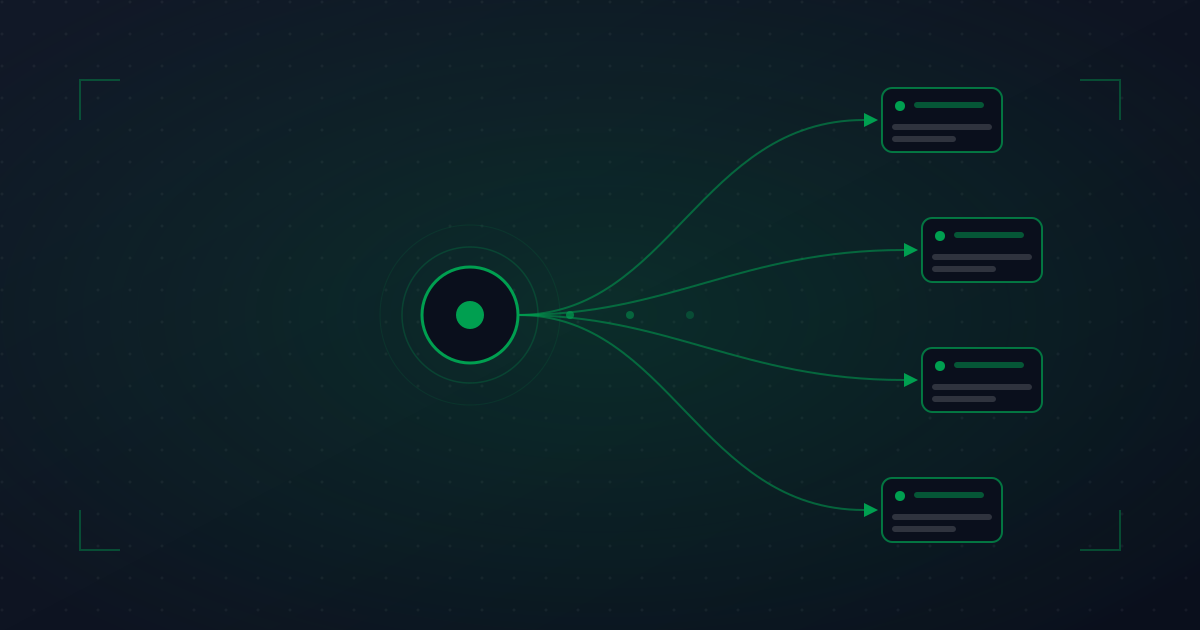
Webhooks bridge all of these. Any system with an HTTP endpoint can receive alerts in a structured format. The integration "code" you write to handle a webhook is usually 30 lines.
Anatomy of a good webhook handler
The minimum viable handler:
- Receives the POST.
- Verifies the signature (the request actually came from your monitoring tool).
- Parses the payload.
- Acknowledges receipt (returns 200) immediately.
- Queues the actual work for async processing.
That\'s it. Everything beyond is application-specific: which fields you care about, what action to take, how to handle different incident severity, etc.
A minimal Python handler
import hmac, hashlib, json
from flask import Flask, request, abort

app = Flask(__name__)
WEBHOOK_SECRET = os.environ['ANYPING_WEBHOOK_SECRET']

@app.post('/webhooks/anyping')
def handle_anyping():
    # 1. Verify signature
    sig = request.headers.get('X-Anyping-Signature', '')
    expected = hmac.new(
        WEBHOOK_SECRET.encode(),
        request.get_data(),
        hashlib.sha256
    ).hexdigest()
    if not hmac.compare_digest(sig, expected):
        abort(401)

    # 2. Parse
    payload = request.get_json()

    # 3. Queue work async; respond fast
    incident_queue.enqueue(process_incident, payload)
    return '', 200
Signature verification (always)
The single most important thing about webhook handlers: verify the signature. Without verification, the webhook URL is effectively a public "create incident" endpoint that anyone who knows it can hit.
How signing typically works:
- Your monitoring tool generates a shared secret when you configure the webhook.
- For each delivery, the tool computes HMAC(secret, body) and includes it in a header.
- Your handler computes the same HMAC and compares.
- Mismatch = reject (401 or 403).
Use hmac.compare_digest (Python) or equivalent to avoid timing attacks. Don\'t use plain == for signature comparison.
If your monitoring tool doesn\'t support HMAC signing on webhooks, that\'s a yellow flag. Use a different tool or at minimum put the webhook behind authentication (basic auth, or in your VPN).
Idempotency and retry handling
Networks are unreliable. Your handler will receive the same webhook twice sometimes. Sender retries when it didn\'t see your 200 response in time. Or the network ate the response. Either way, your handler must handle duplicates gracefully.
The simple pattern:
- Each webhook delivery has a unique ID (most tools include this).
- Your handler keeps a set of recently-processed IDs (Redis, a DB table, etc.).
- If you see an ID twice, no-op the second one.
The "recent" window can be short — an hour is plenty unless your tool has very long retry windows.
Common patterns: ticketing, automation, custom routing
Auto-create tickets on incident open
Webhook handler creates a ticket in your internal system with the incident details. Set ticket priority based on the affected component\'s tier. Assign to the on-call team automatically.
Auto-close tickets on incident resolve
The companion handler. When the monitor recovers, the corresponding ticket closes with a resolution note. Without this, you accumulate stale tickets fast.
Trigger automated remediation
For specific incident types you have a known fix for, trigger the fix automatically. Service crashed? Restart it. Disk full? Run cleanup script. Always with logging and a manual approval gate for anything destructive.
Custom alert routing
Built-in routing might not cover your exact case. A custom handler can read the incident metadata and route to the right team based on which monitor fired, the time of day, or active rotation in a separate system.
Cost tracking
Push every incident to a "downtime ledger" with start/end times. Useful for finance, for SLA reporting to enterprise customers, and for retrospectives.
Status update auto-posting
If you have a public status page hosted somewhere other than your monitoring tool, a webhook handler can update it on incident open and close.
Testing webhooks during normal operation
Webhooks live in a state of "we don\'t know if they work until they fire for real." Two patterns to validate them:
Test events from the vendor
Most monitoring tools have a "send test webhook" button. Click it weekly during your alert review meeting. If it doesn\'t arrive, your handler is broken and you\'d only have found out during an incident.
Synthetic incidents in staging
Create a fake monitor pointing at a URL that returns errors on a schedule (or under your control). Let it trigger real incidents in your monitoring tool that flow through to your webhook handler. End-to-end test of the whole pipeline.
Gotchas we\'ve seen burn teams
Treating webhook receipt as confirmation
The webhook arriving doesn\'t mean the incident handler succeeded. Always log the outcome of your async processing. If processing fails, page someone — otherwise you have invisible alerting failures.
Webhook URL committed to source code
The URL is effectively a secret (signed or not). Anyone with the URL can spam fake incidents (annoying) or replay old ones (worse). Treat it like an API key.
No timeout on outbound calls in the handler
Your handler calls a downstream API to create a ticket. The API is slow today. Your handler hangs. The webhook sender times out and retries. You now have N copies of the same incident in flight. Use timeouts and circuit breakers.
Mixing alert events and resolution events without distinguishing
Webhook handlers that process every event identically end up creating tickets for resolutions, paging on-call when things recover, and otherwise generating noise. Branch on event type early.
Using webhooks where built-in integrations exist
If your monitoring tool has a native Slack integration, use it. Custom webhooks to Slack mean maintaining the formatting, threading, and quirks yourself. Webhooks are for when there\'s no native option.
Webhooks are the single most powerful "build whatever you need" feature in monitoring. Worth investing 2 hours to set up properly — the leverage is enormous.